
-
Hidden Cameras
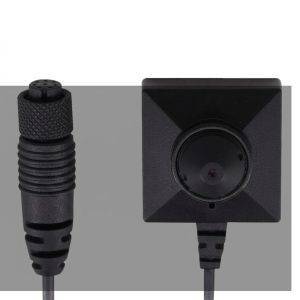
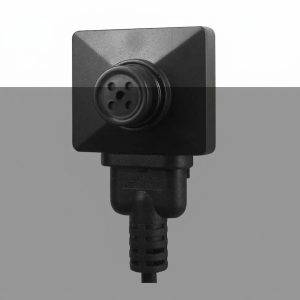
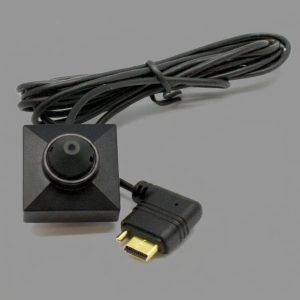
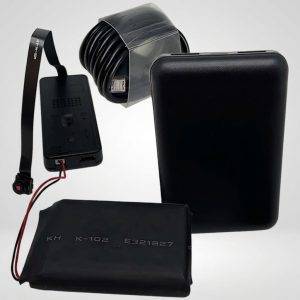
DIY Kit – Remote View WiFi Pinhole Hidden Camera + Extended Battery
$155.70 Add to cart

Buyer’s guide
How to Choose Surveillance Equipment for Your Situation
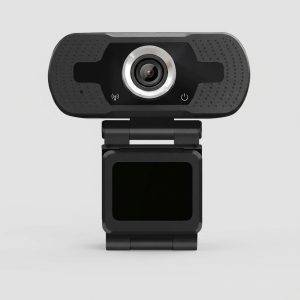
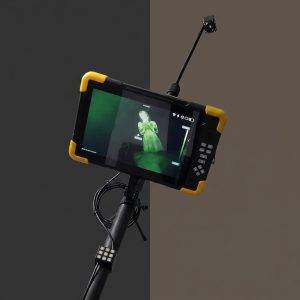
This category spans very different tools: dash cams and webcams, button cameras and camera/DVR sets, hidden cameras built into everyday objects, and 4K thermal pole cameras. The right choice depends on where the camera will sit, how long it must record and how you will retrieve the footage.
Before comparing products, answer four questions. What exactly do you need to see, such as a doorway, a vehicle interior or a parking area? Will the camera have constant power or run on battery? Do you need to watch live over Wi-Fi or only review recordings later? And, most important, do you have a lawful right to record in that location?
Vehicles
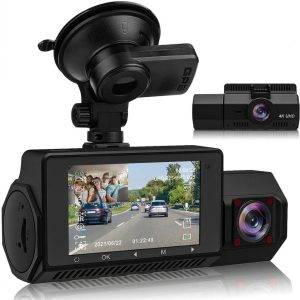
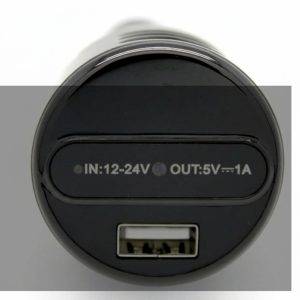
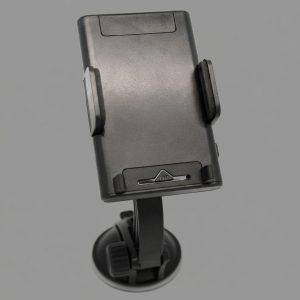
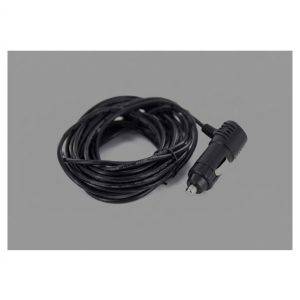
A 4K dual dash cam records the road and, depending on setup, a second view. Car charger and smartphone holder cameras blend into a vehicle you own or lawfully control.
Home and office rooms
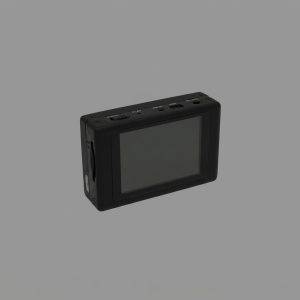
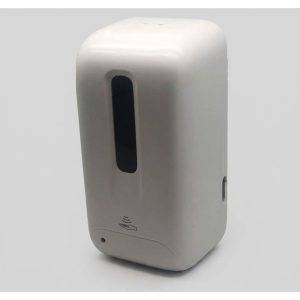
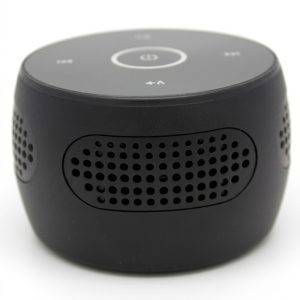
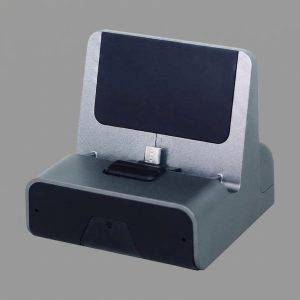
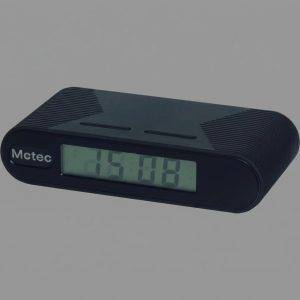
Charging dock, digital clock and Bluetooth speaker cameras suit rooms where a visible camera would change behavior, such as a home office or stockroom you control.
Body-worn documentation
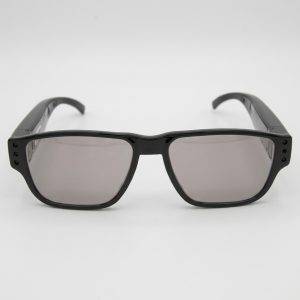
Button cameras, button camera sets and covert surveillance glasses record from the wearer’s point of view, useful for documenting your own interactions.
Fixed recording systems
The All-in-One DVR and camera system and the Digital & Analog Terabyte Hard Drive DVR support continuous recording from wired cameras at a single location.
Perimeter and large sites
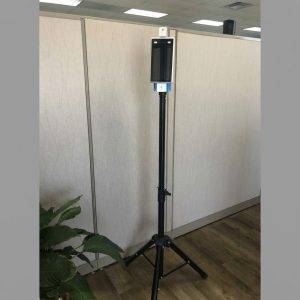
The 4K pole cameras with thermal image capture, including a pan tilt zoom model, are built for wide areas such as lots, yards and job sites.
DIY and accessories
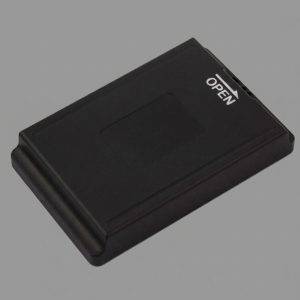
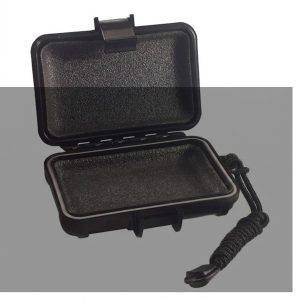
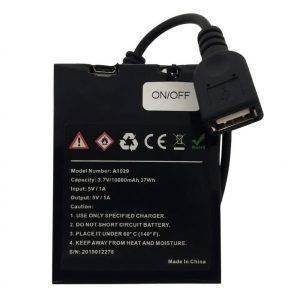
The DIY WiFi pinhole kit, batteries, power adaptors, mounts and a magnetic case let you build or extend a setup, including the 7hr battery for LawMate PV-500 series recorders.
Illustrative scenarios
For example, a small retailer concerned about stockroom losses might pair a wired camera/DVR set with clear employee notice. A rideshare driver might mount a dual dash cam to document trips in a vehicle they own. A property manager covering a large, unlit storage yard might consider a thermal pole camera, while a homeowner wanting to check on a caregiver in shared living areas might choose a Wi-Fi clock camera with audio turned off.
What matters
Specs That Make or Break Usable Footage
Resolution gets the attention, but footage is usually lost to poor power planning, bad angles or storage that fills up. Compare these factors on each product page.
| Factor | Why it matters | What to check |
|---|---|---|
| Resolution (1080P, 4K) | Higher resolution helps identify faces and plates at a distance | Whether the subject will fill enough of the frame at your mounting distance |
| Power source | Battery units are flexible but limited in runtime | Rated battery life, access to outlets, and optional extended batteries |
| Storage | Footage is overwritten or stops when storage is full | Card or drive capacity, loop recording and how you export files |
| Low light | Many incidents happen after dark | Night vision or thermal capability where the product lists it |
| Remote viewing | Wi-Fi models allow live view but depend on network access | Whether the location has reliable Wi-Fi and how the app is secured |
| Audio | Recording sound triggers additional legal requirements | Whether audio can be disabled if you do not have consent |
Test every camera in the exact spot before relying on it. Check the angle at the time of day that matters, confirm the timestamp is correct and review a full recording cycle so you know the battery and storage last as long as you expect. Arizona heat is hard on batteries and electronics; avoid leaving devices on dashboards or in sealed enclosures in direct sun.
Lawful use
Recording Laws, Privacy and Where Cameras Do Not Belong
Owning surveillance equipment is lawful; how and where you use it determines whether a recording helps you or creates legal exposure.
- Never place cameras where people expect privacy. Do not record in bathrooms, bedrooms of others, changing areas or similar spaces. Covert recording in these places can be a crime.
- Understand audio consent. Arizona is generally a one-party consent state for recording conversations (A.R.S. 13-3005 and 13-3012), but other states require all parties to consent. Recording a conversation you are not part of raises serious legal issues. Our guide on state recording consent laws explains the differences.
- Record only what you control. Place cameras on property you own or lawfully control, and track only vehicles you own or have a lawful right to monitor. See our overview of GPS and vehicle surveillance law in Arizona.
- Tell employees. Businesses should disclose video monitoring in written policy and signage where appropriate, and avoid break rooms, restrooms and locker areas.
This is general information, not legal advice. Requirements vary by state and situation, so confirm your plans with counsel before recording, especially if footage may be used in court or a custody or employment matter.
Care and next steps
Maintaining Equipment and Knowing When to Hire Investigators
A camera that is not checked regularly may be recording nothing at all. Build a simple routine around the equipment.
- Charge or swap batteries on a schedule and label spares so you know which are fresh.
- Format memory cards in the device periodically and replace cards that show errors.
- Export important clips promptly, keep the original files unedited and note when and how you copied them.
- Change default passwords on Wi-Fi models and keep firmware and apps updated.
- Clean lenses gently and check that mounts, magnets and stands have not shifted.
Common mistakes include hiding a camera so well that its lens is partly blocked, relying on Wi-Fi at a location with weak signal, and waiting until after an incident to learn how to export footage. A practice run solves most of these problems. Keep the manual and any app login details somewhere secure so another authorized person can retrieve footage if you are unavailable.
Equipment records what happens in one spot. Following a person, documenting activity across locations or producing footage that holds up under scrutiny is a different job. Our professional surveillance services use licensed investigators who understand evidence handling and legal limits. If you suspect someone else has placed cameras or listening devices in your home or office, our TSCM bug sweep services are designed to locate them.
FAQ
Surveillance Products: Buyer Questions
Is it legal to buy a hidden camera?
Buying one is generally lawful. Legality depends on where you place it, whether it records audio and whose activity it captures. Use it only in spaces you control and never in private areas such as bathrooms or others’ bedrooms.
Should I choose Wi-Fi or a standalone recorder?
Wi-Fi models are convenient for live viewing but need a reliable network and good password hygiene. Standalone recorders work anywhere with power or battery but require you to retrieve the footage in person.
Can my footage be used as evidence?
Lawfully recorded footage may be useful, but admissibility depends on the circumstances. Keep the original files, avoid editing them and speak with your attorney.
Do I need 4K, or is 1080P enough?
For a camera close to its subject, such as a button camera or a clock in a small room, 1080P is often sufficient. 4K is more useful for wide scenes or when you need to identify details at a distance, though it uses more storage.
How long will a battery-powered hidden camera record?
Runtime depends on the model, settings and temperature. Check the product page, consider extended batteries or a DIY battery adapter where offered, and test a full cycle in the real location before relying on it.
What if a device stops working?
Returns are accepted for defective devices. See the refund policy for details, or request a consultation or call 602-725-2818 for help choosing equipment.