
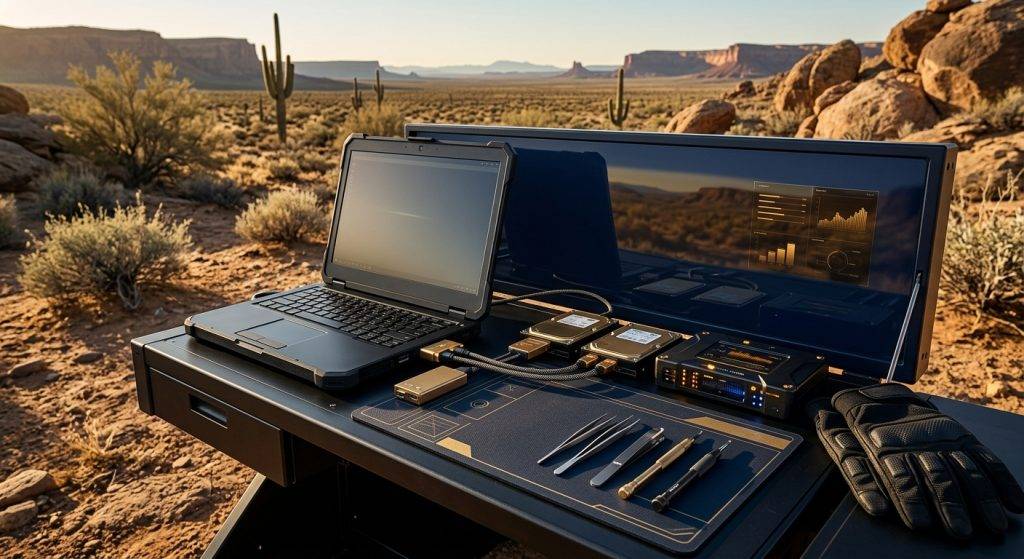
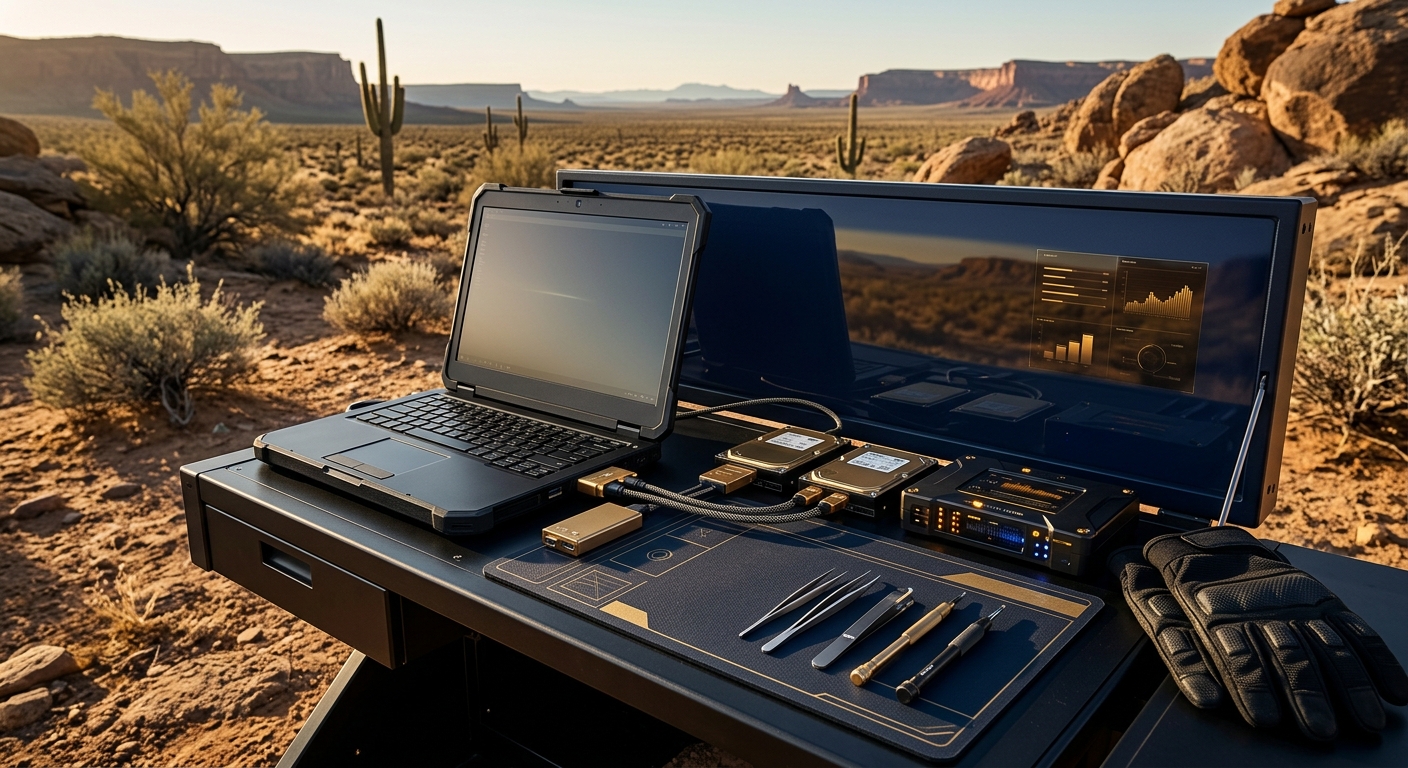
Nationwide computer forensics service means certified examiners can forensically image, analyze, and report on any Windows, macOS, or Linux computer, laptop, or server anywhere in the United States — via shipped remote imaging kits, on-site examiner deployment, or secure lab intake — with hash-verified acquisition, unbroken chain of custody, and court-ready reporting for litigation, HR, and criminal matters.
What Does Nationwide Computer Forensics Service Actually Cover?
Computer forensics, as an in-house service delivered at enterprise scale, is the forensically sound acquisition, preservation, and examination of digital evidence stored on workstations, laptops, desktop towers, physical and virtual servers, RAID and NAS arrays, and removable media running Windows, macOS, or Linux. It is distinct from mobile-device forensics — a different artifact set, a different acquisition method, and a different set of legal questions — and distinct from a general IT support ticket, because every action taken on the source machine must be defensible under cross-examination.
For an organization with offices, remote employees, or litigation exposure spread across multiple states, the operative question is rarely “can you image a hard drive” — nearly anyone with a write-blocker can attempt that. The real question is whether the provider can reach a departing executive’s laptop in Chicago, a compromised file server in Atlanta, and a co-founder’s home workstation in Seattle, on the same engagement, with one unbroken methodology, one chain-of-custody standard, and one examiner team accountable for the final report. That is the service this article describes.
How Does Nationwide Delivery Actually Work — Remote Kits, On-Site Deployment, or Lab Intake?
Because Honeybadger Solutions operates as an in-house, remote-by-design digital forensics practice out of its Arizona home command, geography is not a limiting factor. Every engagement is routed to one of three delivery models based on urgency, custody sensitivity, and the physical realities of the device in question.
| Delivery Model | Best For | Typical Turnaround | Chain-of-Custody Control |
|---|---|---|---|
| Remote Forensic Imaging Kit | Distributed employees, branch offices, low-conflict custody handoffs | Kit ships same/next day; imaging same day on arrival | Tamper-evident packaging, guided video-verified acquisition, signed custody log at both ends |
| On-Site Examiner Deployment | Contested terminations, suspected sabotage, server rooms, multi-device scenes | Examiner on-site within 24–72 hours nationwide | Examiner personally documents scene, seizure, and imaging in real time |
| Secure Lab Intake | Damaged drives, complex RAID/virtual environments, deep forensic analysis | Shipped or hand-delivered to the Arizona lab; analysis begins on intake | Controlled-access lab, continuous custody logging, hash verification on arrival |
Every model uses the same underlying discipline: write-blocked acquisition, cryptographic hash verification (typically SHA-256) of the source and the image before any analysis begins, and a documented custody trail from the moment a device is touched to the moment a report is delivered. A remote kit does not mean a lower evidentiary standard — it means the same standard, packaged so it can travel. This is also the model that supports international matters: the same acquisition protocol scales to a subsidiary office or a traveling executive’s device abroad, coordinated from the same command structure.
What Evidence Actually Lives Inside a Windows, macOS, or Linux Endpoint?
Every operating system keeps a different shape of evidence, and an examiner who only knows one platform will miss what the other two record by default. A nationwide computer forensics practice has to be fluent in all three, often on the same case, because a fraud or IP-theft matter rarely stays confined to a single OS.
What does Windows record?
Windows systems generate a dense evidentiary footprint: the Registry (user activity, USB device history, installed software, recently accessed files), the Master File Table and $LogFile for file-system-level activity, Prefetch and Amcache for program execution history, Event Logs for logons, policy changes, and service activity, Jump Lists and LNK files for opened documents, and Volume Shadow Copies that can preserve prior states of files a user believed were gone. Registry hives alone routinely answer “was a USB drive plugged in, and when” — a question that decides IP-theft cases.
What does macOS record?
macOS keeps its own equivalents: the unified log, plist files in place of a registry, Spotlight and Quick Look metadata that can reveal a file was opened even after deletion, FSEvents logs that track file-system changes over time, and iCloud/Time Machine artifacts that frequently hold a synchronized copy of exactly the data a user tried to remove locally. The FileVault encryption layer and APFS snapshot structure require examiner fluency that differs meaningfully from the Windows NTFS approach — a detail expanded further in our dedicated Mac computer forensics investigation coverage.
What does a Linux server or workstation record?
Linux and server environments shift the evidence toward system and application logs (auth.log, syslog, journald), cron and systemd timer entries for scheduled or persistence activity, shell history and bash session artifacts, and file-system journals (ext4, XFS, ZFS) that record metadata changes even when file contents were altered or deleted. Servers add a layer most desktop-only providers rarely handle well: live memory capture before shutdown, container and virtual-machine snapshot analysis, and log correlation across multiple hosts to reconstruct a single intrusion or exfiltration event.
How Is Deleted Data and Hidden Artifact Evidence Actually Recovered?
“Deleted” rarely means gone. On nearly every file system, deletion removes the pointer to a file’s data, not the data itself, until that space is overwritten by new writes. A forensic examiner working from a full bit-for-bit image — never the live device — can carve unallocated space for file signatures, reconstruct fragmented files from slack space, and pull records out of journal and log structures that were never designed to be user-visible in the first place.
Recovery in practice draws on several complementary techniques: file-carving against unallocated clusters using known file-header signatures, parsing of the Master File Table or journal metadata to identify recently deleted entries before their record slots are reused, analysis of Volume Shadow Copies, Time Machine snapshots, or ZFS/Btrfs snapshots that retain prior file states, and recovery of application-level artifacts — browser history, chat logs, email client caches — that persist independently of the file the user actually deleted. Memory (RAM) capture, when it can be obtained before a machine is powered down, is often the richest and most perishable source of all: encryption keys, open document contents, and running-process evidence exist there and nowhere else.
It is worth noting plainly what recovery cannot do: it cannot resurrect data that has already been overwritten by subsequent disk writes, and it cannot outrun a determined wipe performed with the right tool, run early enough, and repeated enough times. That distinction — what a forensic exam can and cannot reconstruct after a deliberate wipe — is significant enough that we treat it as its own subject; see our dedicated breakdown of forensic data recovery after wiping for what remains recoverable in that specific scenario.
How Do Examiners Reconstruct a Forensic Timeline?
A single artifact rarely wins a case on its own; a timeline does. Timeline reconstruction is the discipline of correlating timestamps across dozens of independent evidence sources — file-system metadata (created, modified, accessed, and entry-modified times), registry key last-write times, event-log entries, browser and application logs, and, where available, network or cloud-service logs — into a single, internally consistent sequence of what happened, in what order, on which account.
The value of a rigorous timeline is that it exposes contradictions a single artifact cannot: a file “created” after an employee’s stated last day in the office, a USB insertion event minutes before a batch of confidential files was last accessed, or a log-in from a departing employee’s credentials after their access was supposed to have been revoked. Timestamp reliability itself has to be interrogated — time-zone offsets, system clock drift, and anti-forensic timestomping attempts are all things a qualified examiner checks and documents before relying on a timeline in a report, because opposing counsel will ask.
What Does a Computer Forensics Engagement Look Like From Intake to Testimony?
Regardless of delivery model, a properly run engagement follows the same sequence every time. Consistency here is not bureaucracy — it is what makes the resulting report defensible when the opposing side’s expert tries to pick it apart.
- Intake and scoping — define the legal or investigative question, the devices in scope, and the applicable preservation obligations (litigation hold, HR policy, law-enforcement referral).
- Delivery-model selection — remote kit, on-site deployment, or lab intake, based on urgency, device count, and custody sensitivity.
- Seizure and documentation — photograph the device in place, log serial numbers, and record the exact state (powered on/off, connected peripherals) before touching anything.
- Write-blocked forensic imaging — a bit-for-bit image is created; the original device is never analyzed directly.
- Hash verification — cryptographic hashing of source and image confirms the copy is a perfect, unaltered duplicate.
- Examination and analysis — disk, memory, registry/plist, log, and artifact review targeted to the scoped question, not a fishing expedition.
- Timeline and findings synthesis — correlated evidence assembled into a factual narrative, clearly separating what the data shows from what it does not.
- Reporting and, if required, testimony — a court-ready written report, and examiner availability for deposition or trial testimony under Federal Rule of Evidence 702 standards.
What Are the Most Common Reasons Organizations Order Computer Forensics?
Four categories account for the large majority of nationwide computer forensics engagements. Each carries its own preservation urgency and its own audience for the final report.
Intellectual property theft. A representative scenario: an employee resigns, and within days a competitor launches a strikingly similar product or pitch deck. Computer forensics on the departing employee’s workstation can establish whether proprietary files were copied to external media, uploaded to a personal cloud account, or emailed off the corporate network in the weeks before departure — and precisely when.
Employee misconduct. A representative scenario: HR receives a complaint involving inappropriate use of a company laptop. A properly scoped forensic exam can confirm or rule out the alleged conduct using artifact evidence — browser history, application logs, file access records — without turning the exam into an open-ended search of the entire device.
Internal and financial fraud. A representative scenario: a controller notices irregularities in vendor payments. Forensic analysis of the responsible workstation and any shared servers can trace document creation and modification history, spreadsheet formula tampering, and email correspondence establishing intent and timeline — evidence that routinely feeds directly into a parallel financial investigation.
Civil litigation and e-discovery disputes. A representative scenario: opposing counsel alleges spoliation or seeks forensic proof that responsive documents were withheld or altered. A defensible, hash-verified image and a methodology built to survive a Daubert or Rule 702 challenge are the difference between evidence that gets admitted and evidence that gets excluded.
Several of these scenarios also involve a mobile device alongside the computer — a distinction worth understanding on its own terms; see our comparison of cell phone forensics versus computer forensics for how the acquisition method, artifact set, and legal handling diverge between the two.
What Separates an Elite Nationwide Provider From a Local Generalist?
The digital forensics market is crowded with IT firms that added “forensics” to a services page after buying a write-blocker. For a Fortune-500 general counsel, a family office, or a UHNW principal, the distinctions that actually matter are structural, not marketing.
An elite provider maintains certified examiners fluent across Windows, macOS, and Linux — not a single-platform specialist subcontracting the rest. It runs acquisition and analysis entirely in-house, so custody never passes through an unaccountable third party. It documents methodology to a standard built to survive expert-witness scrutiny under Federal Rule of Evidence 702, not just to satisfy an internal checklist. It can mobilize nationwide — and internationally — from a single command structure, so a multi-location matter does not fragment across three regional vendors with three inconsistent chains of custody. And it treats reporting as a deliverable for a courtroom or a boardroom, not an IT incident ticket: clear, factual, free of speculation beyond what the evidence supports.
Choosing among providers on these criteria is its own exercise; our full checklist for choosing a digital forensics firm walks through the credentials, lab capabilities, and reporting standards worth verifying before you sign an engagement letter.
What Legal and Technical Standards Govern Computer Forensic Evidence?
Court-ready digital evidence does not happen by accident — it happens because the acquisition, handling, and analysis followed recognized standards from the moment a device was touched. The federal government’s own incident-response guidance, the working group that sets community consensus on digital-evidence methodology, and the evidentiary rule governing expert testimony are the three reference points a serious engagement is built against.
Authoritative references: NIST’s SP 800-86, Guide to Integrating Forensic Techniques into Incident Response, sets the federal baseline for sound forensic methodology; the Scientific Working Group on Digital Evidence (SWGDE) publishes the community-consensus best-practice documents examiners are measured against; and Federal Rule of Evidence 702 governs whether an examiner’s testimony and report qualify as admissible expert opinion in the first place.
Frequently asked questions
Can you forensically image a computer without physically visiting our office?
Yes. A remote forensic imaging kit is shipped with tamper-evident packaging and clear, video-verified instructions so on-site staff (or the device custodian) can complete a hash-verified acquisition without the examiner traveling. This is the standard model for distributed teams and branch offices anywhere in the country.
How long does a computer forensics examination take?
Imaging itself is typically same-day once a device arrives or an examiner is on-site. Full analysis depends on scope — a targeted question (did this file get copied to a USB drive) can be answered in days, while a comprehensive fraud or IP-theft investigation across multiple devices and a full timeline reconstruction is measured in weeks.
Will forensic imaging damage the computer or destroy existing data?
No. Acquisition uses a hardware or software write-blocker that makes the source device read-only during imaging, so nothing on the original drive is altered, added, or removed. All analysis is then performed exclusively on the verified forensic copy, never the original.
Is computer forensic evidence admissible in court?
It can be, provided the acquisition and analysis followed a documented, defensible methodology, chain of custody was preserved without gaps, and the examiner is qualified to testify as an expert under Federal Rule of Evidence 702. Admissibility is earned through methodology and documentation, not assumed.
About Honeybadger Solutions
Honeybadger Solutions is an Arizona-licensed security and investigations firm delivering in-house digital forensics nationwide and internationally from its home command, with offices in Casa Grande (headquarters), Phoenix, and Oro Valley. Our examiners handle Windows, macOS, and Linux endpoints — laptops, desktops, and servers — for corporate counsel, family offices, and litigation teams that need hash-verified acquisition, unbroken chain of custody, and court-ready reporting, wherever the device happens to be. For a confidential consultation on a nationwide or international computer forensics matter, Book a consultation online.
Browse by topic
Security guard services · Private investigations · Cybersecurity · Digital forensics · Financial fraud investigation · Executive protection · All articles