
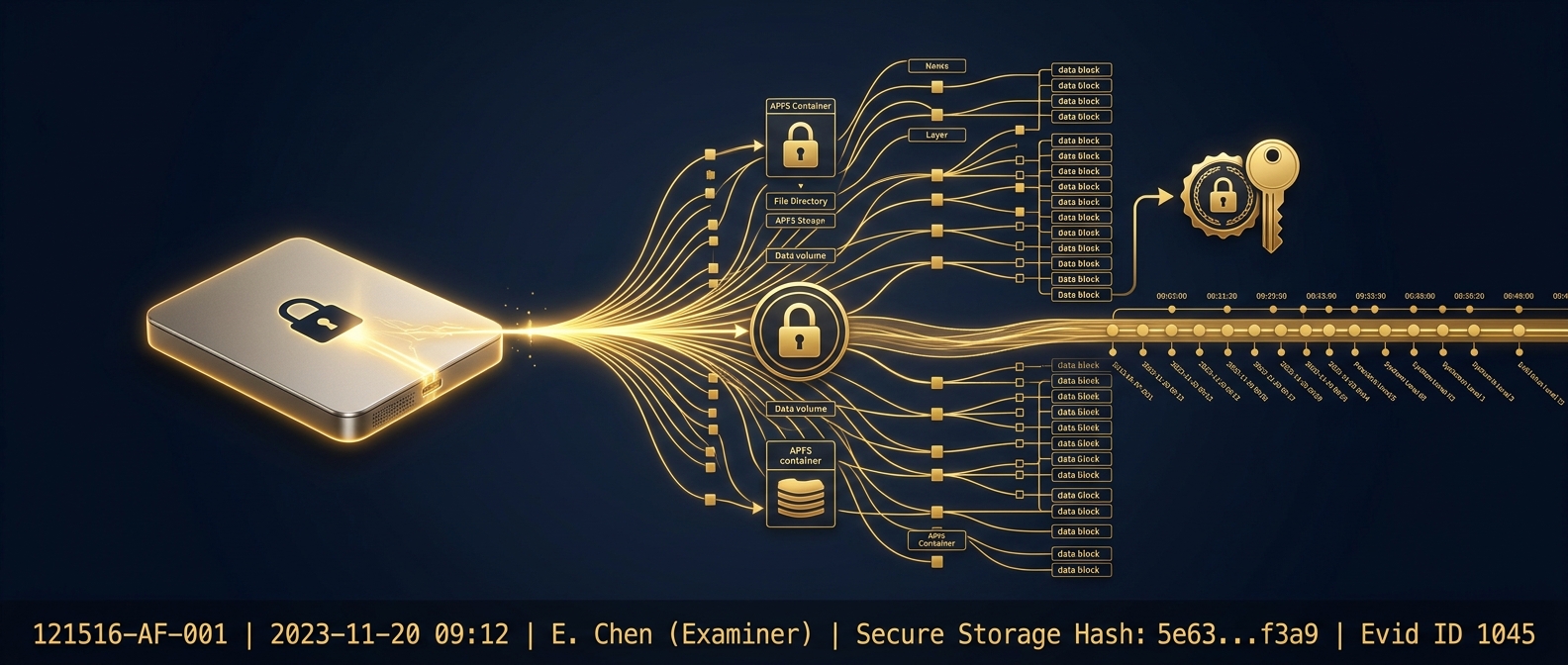
Mac computer forensics is the acquisition and analysis of Apple macOS systems, which differ fundamentally from Windows in file system, encryption, hardware security, and logging. Examiners must contend with the APFS file system and its snapshots, full-disk FileVault encryption tied to the Secure Enclave on T2 and Apple silicon Macs, and the unified logging system. Without the user password or a recovery key, a modern encrypted Mac is often unrecoverable, which makes acquisition strategy the decisive first step.
Macs are no longer the exception in corporate and executive environments; in many firms, and in most family offices and creative and technology enterprises, they are the norm. Yet a great deal of forensic practice, tooling, and instinct is built around Windows, and an examiner who treats a Mac like a Windows box with a different logo will miss evidence, or destroy it. Apple silicon, APFS, FileVault, and the Secure Enclave have made macOS both more secure and more forensically demanding, and the gap between a competent Mac examination and a mediocre one has widened accordingly. This guide is written for the general counsel, executive, or investigator who needs to understand how macOS forensics actually works, where it diverges sharply from Windows, and why acquisition strategy on a modern Mac can decide whether any evidence is recoverable at all.
Why is macOS forensics different from Windows forensics?
The differences are architectural, not cosmetic, and they touch every phase of an examination. macOS uses the APFS file system, engineered for flash storage, with native copy-on-write snapshots, cloning, and space sharing that behave nothing like the NTFS master file table a Windows examiner knows. Encryption is different: FileVault provides full-volume encryption that, on machines with the T2 security chip or Apple silicon, is bound to the hardware Secure Enclave, so the data cannot simply be read off the drive. Hardware is different: Apple silicon and T2 Macs solder or bind storage to the logic board and enforce secure boot, eliminating the old approach of pulling the drive and imaging it externally. And logging is different: the unified logging system consolidates system and application events into a compressed, queryable store that replaced the plain-text logs of older systems.
These divergences share a consequence. On Windows, an examiner can very often remove or write-block a drive and acquire a full physical image regardless of the user. On a modern Mac, encryption and hardware binding frequently make that impossible, and acquisition instead depends on unlocking the volume, which typically requires the user password, a FileVault recovery key, or authorized access. The examiner’s first task is not imaging; it is determining what kind of Mac this is and therefore what acquisition is even feasible. Getting that wrong, or improvising, is how evidence is lost on the first day.
How does APFS change what evidence is available?
APFS is a forensic opportunity and a forensic trap at once. Its copy-on-write design means that when data changes, the file system often writes new blocks rather than overwriting old ones, which can leave recoverable prior states. Its native snapshots, used by Time Machine and by the operating system for updates, can preserve point-in-time views of the volume that capture files as they existed before deletion or modification, a rich source an examiner who knows to look for them can exploit. Containers and volumes within a single APFS partition, and features like cloning and space sharing, add structure a competent analysis must map correctly to attribute data accurately.
The trap is that APFS interacts with modern solid-state storage and its TRIM behavior in ways that can permanently and quickly discard deleted content, unlike the more forgiving behavior of older spinning-disk file systems. Deleted-file recovery on an SSD-backed APFS volume is often far less successful than a Windows examiner’s experience on a mechanical drive would suggest, because the storage controller may have already zeroed the blocks. The practical result is that snapshots and backups frequently become the most valuable recovery source, more so than carving unallocated space, and an examiner who chases deleted files without first harvesting snapshots is working the low-probability path.
What does FileVault and the Secure Enclave mean for acquisition?
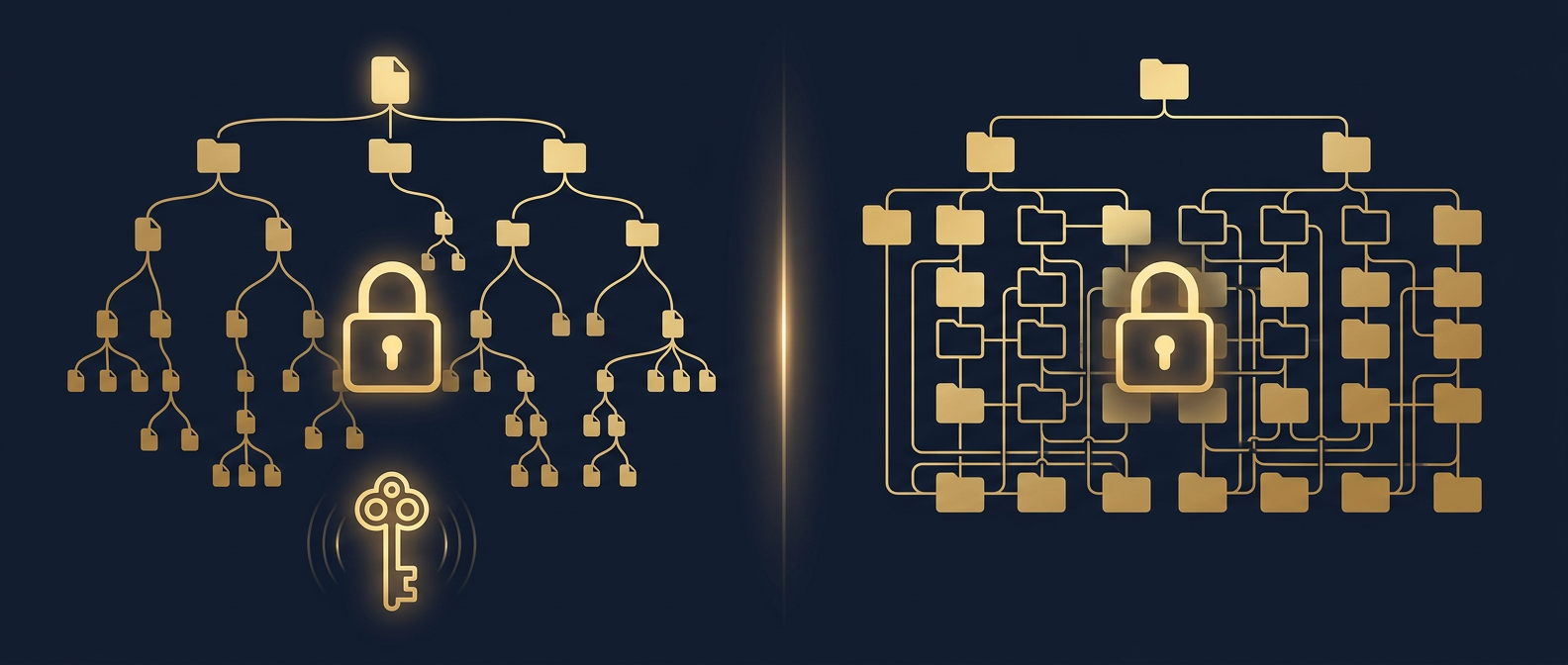
Encryption is the single fact that most often determines whether a Mac examination succeeds. When FileVault is enabled, the volume is encrypted, and on T2 and Apple silicon Macs the encryption keys are protected by the Secure Enclave, a dedicated hardware subsystem, as detailed in Apple’s own Platform Security documentation. This means an examiner cannot bypass the encryption by removing the storage or attacking the disk directly; the data is only accessible once the volume is unlocked with a valid credential.
That reality reshapes the engagement. Acquisition depends on obtaining one of a limited set of access paths: the user’s account password, the FileVault personal recovery key, an institutional recovery key managed by an enterprise, or authorized login access to the running system. Where an organization uses mobile device management, an escrowed recovery key may exist, which is why an examiner asks about MDM and key escrow early. Absent any of these, a properly configured modern Mac may simply be unrecoverable by any lawful means, and an honest examiner says so at the outset rather than billing against a dead end. The corollary is operational: if a device is live and unlocked when it comes into scope, capturing volatile data and a logical image before it locks or powers down can be the difference between a full examination and none at all.
Which macOS artifacts matter, and what are their Windows equivalents?
Once a volume is accessible, macOS offers a rich set of artifacts, but they live in different places and formats than a Windows examiner expects. Mapping them to familiar equivalents accelerates a competent analysis and prevents the common error of assuming an artifact simply does not exist because it is not where Windows keeps it.
| Investigative question | macOS source | Windows analog |
|---|---|---|
| What ran and when | Unified logs, launchd, spotlight metadata | Event logs, prefetch, registry |
| User and app settings | Property list (plist) files | Windows Registry |
| External device history | Unified logs, IORegistry, plists | Registry USBSTOR keys |
| File open/recent activity | Recent items plists, quarantine attributes | Jump lists, shellbags, MRU keys |
| Point-in-time recovery | APFS snapshots, Time Machine | Volume Shadow Copies |
| Downloaded-file provenance | Quarantine extended attributes | Zone.Identifier ADS |
| Deleted content | Snapshots, backups (SSD TRIM limits carving) | Unallocated space, MFT records |
Two macOS-specific artifacts deserve emphasis. Property list files, the plist format, store the settings, recent items, and application state that on Windows live in the registry, and they are everywhere on a Mac; reading them fluently is core to the discipline. And the quarantine extended attribute records where a downloaded file came from, an often-decisive provenance signal in data-theft and misconduct matters. An examiner who knows these sources builds a timeline as detailed as any Windows reconstruction; one who does not will report, wrongly, that the Mac held little of interest.
What does a sound Mac forensic workflow look like?
Because acquisition is the point of greatest risk, the workflow front-loads the decisions that determine whether evidence survives. The sequence below reflects how an elite examiner approaches a modern Mac, and it aligns with the integration-of-techniques discipline described in NIST Special Publication 800-86.
- Identify the hardware and OS. Determine whether the Mac is Intel, T2, or Apple silicon, and the macOS version, because this dictates every downstream option.
- Assess encryption and access. Establish whether FileVault is on and what credential or recovery key is available, including any MDM-escrowed key, before touching the device.
- Preserve the live state if unlocked. If the system is running and accessible, capture volatile data and a logical image promptly, since a lock or shutdown may end access.
- Acquire by the feasible method. Perform a forensically sound image, logical or targeted, appropriate to the hardware and encryption posture, using validated tools and documented steps.
- Harvest snapshots and backups. Recover APFS snapshots and any Time Machine backups, often the richest source for deleted or prior-state data.
- Analyze macOS-native artifacts. Parse unified logs, plists, quarantine attributes, and Spotlight metadata to build the activity timeline.
- Hash, verify, and document. Compute and re-verify hashes and record methodology so another examiner can reproduce the work.
The discipline that separates world-class Mac work is respect for the constraints. An examiner who understands that a locked Apple silicon Mac may be unrecoverable, and who therefore prioritizes preserving a live system and locating recovery keys, protects the case. One who assumes Windows techniques will translate wastes the narrow window in which evidence is still reachable.
How does Honeybadger conduct Mac forensic examinations?
Honeybadger Solutions treats macOS as its own discipline, not a Windows variant, and structures every Mac examination around the acquisition realities that decide the outcome. Because our digital forensics, cyber services, financial-investigation, and background-intelligence work is handled in-house by certified examiners and delivered nationwide and internationally, a Mac matter runs under a single accountable command from the first assessment of hardware and encryption through analysis, reporting, and, where required, testimony. We determine early what acquisition is feasible on Intel, T2, and Apple silicon systems, preserve live and unlocked machines before access is lost, harvest APFS snapshots and Time Machine backups, and parse the unified logs, plists, and quarantine attributes that hold the real activity record.
That work supports litigation, internal and regulatory investigations, and the intelligence picture behind a dispute, from intellectual-property and data-theft cases to fraud and contentious separations, structured to operate at the direction of counsel and to preserve privilege where it applies. We acquire through validated, verified methods, hash and re-verify at every step, and document methodology so an opposing expert can reproduce it. From Arizona home command, with offices in Casa Grande, Phoenix, and Oro Valley, we serve executives, general counsel, families, and organizations across the United States and abroad, extracting court-ready evidence from Apple systems that defeat less rigorous providers.
Frequently asked questions
Can you image a Mac without the password?
Often not, on modern machines. When FileVault is enabled on a T2 or Apple silicon Mac, the encryption keys are protected by the hardware Secure Enclave, so the data cannot be read by removing storage or attacking the disk directly. Acquisition requires a valid credential, the user password, a FileVault personal or institutional recovery key, or authorized access. Absent one of these, a properly configured Mac may be unrecoverable. This is why locating any escrowed recovery key early is critical.
Why can’t deleted files be recovered from a Mac like on older PCs?
Modern Macs use solid-state storage with the APFS file system, and SSD TRIM behavior can permanently discard deleted blocks quickly, unlike older spinning drives where deleted data often lingered. Traditional carving of unallocated space is therefore far less reliable on a Mac. The strongest recovery path is usually APFS snapshots and Time Machine backups, which can preserve point-in-time copies of files before deletion. A competent examiner prioritizes those sources over low-probability carving.
What macOS artifacts show user activity?
Several. The unified logging system records system and application events; property list (plist) files store settings, recent items, and application state, filling the role the registry plays on Windows; quarantine extended attributes record where downloaded files originated; and Spotlight metadata and APFS snapshots add timeline and point-in-time detail. Together these reconstruct what ran, what was opened, what devices connected, and where files came from, an activity record as detailed as any Windows examination when an examiner knows where to look.
Should a running Mac be shut down before forensic work?
Generally no, not before an examiner evaluates it. If a Mac is live and unlocked, shutting it down may trigger FileVault to lock the volume and cut off access that cannot be regained without a credential or recovery key. Where lawful and authorized, preserving the live state, capturing volatile data and a logical image before the system locks, can be the difference between a full examination and none. The device should be handled under forensic guidance from the moment it is secured.
About Honeybadger Solutions
Honeybadger Solutions is an Arizona-licensed security and investigations firm delivering intelligence-led forensics, investigations, and cyber services to executives, general counsel, families, and organizations nationwide and internationally. Digital forensics, cybersecurity, financial investigations, and background intelligence are handled in-house by certified examiners, so a macOS examination runs under a single accountable chain of custody and command from acquisition through analysis and testimony, to a defensible standard.
Offices: Casa Grande (HQ), Phoenix, and Oro Valley, Arizona.
Phone: 602-725-2818
Confidential consultation: discuss a Mac forensics matter with our command team before the device is shut down.